


Your first live stream: preparing, scheduling and reviewing it
Going live for the first time on Dona feels daunting. What to prepare in advance, how to schedule a stream, and what to read in the analytics after.

A first stream is always awkward: talking to a camera is not an everyday activity. Technically, though, a stream is simple — you type a title and go live from your camera. The difficulty is not the technology but the preparation. This article puts that in order.
What to prepare before going live#
Hunting for a product mid-stream is the most common mistake. So do the following first.
Pick the products. Three to five is enough. Their cards should be complete, the price exact and the tax code entered — otherwise you cannot put the item up for sale during the stream.
Decide the order. What you open with, what sits in the middle, what closes. Do not save your strongest item for the very end: people may not stay that long.
Prepare the space. A clean background, light on your face, a phone that does not wobble. No tripod — find something to lean it on.
Check the connection. If the internet drops, the stream stops. Use a wired connection or strong Wi-Fi if you can.
Announce the stream in advance#
The panel lets you schedule a stream by setting its time. That looks like a small thing but changes the result considerably.
The reason is that a viewer should not stumble onto your stream by accident — they should be waiting for it. Announce a scheduled stream to your followers on Instagram or Telegram. One line — “live at six today, showing the new range” — brings the first viewers in.
A fixed time works better still. Go live every Thursday at the same hour and people remember it.

What to do during the stream#
Pin the product you are talking about to the screen, so a viewer can tap it, see the price and buy from there. When you move to the next item, change the pin.
Answer the questions. That is where a stream’s whole strength lies: someone asks “what size is it”, “is the colour really like that”, and gets an answer immediately. An unanswered question is a lost sale.
A short-lived offer works here too: a discount that holds only during the stream moves people out of “I will think about it later”.
After the stream#
The stream analytics show how many people came, how long they stayed and what sold. After a first stream the numbers will be small — that is normal.
The thing worth reading is where people left. If many left at the start, the opening dragged. If they left in the middle, the transitions between products took too long.
Frequently asked questions#
Do I need special equipment?
How often should I go live?
What if nobody shows up?
Read nextOpening a shop on DonaDona for sellers on Instagram
Start your first stream: get Dona.
Live streams
See all (3)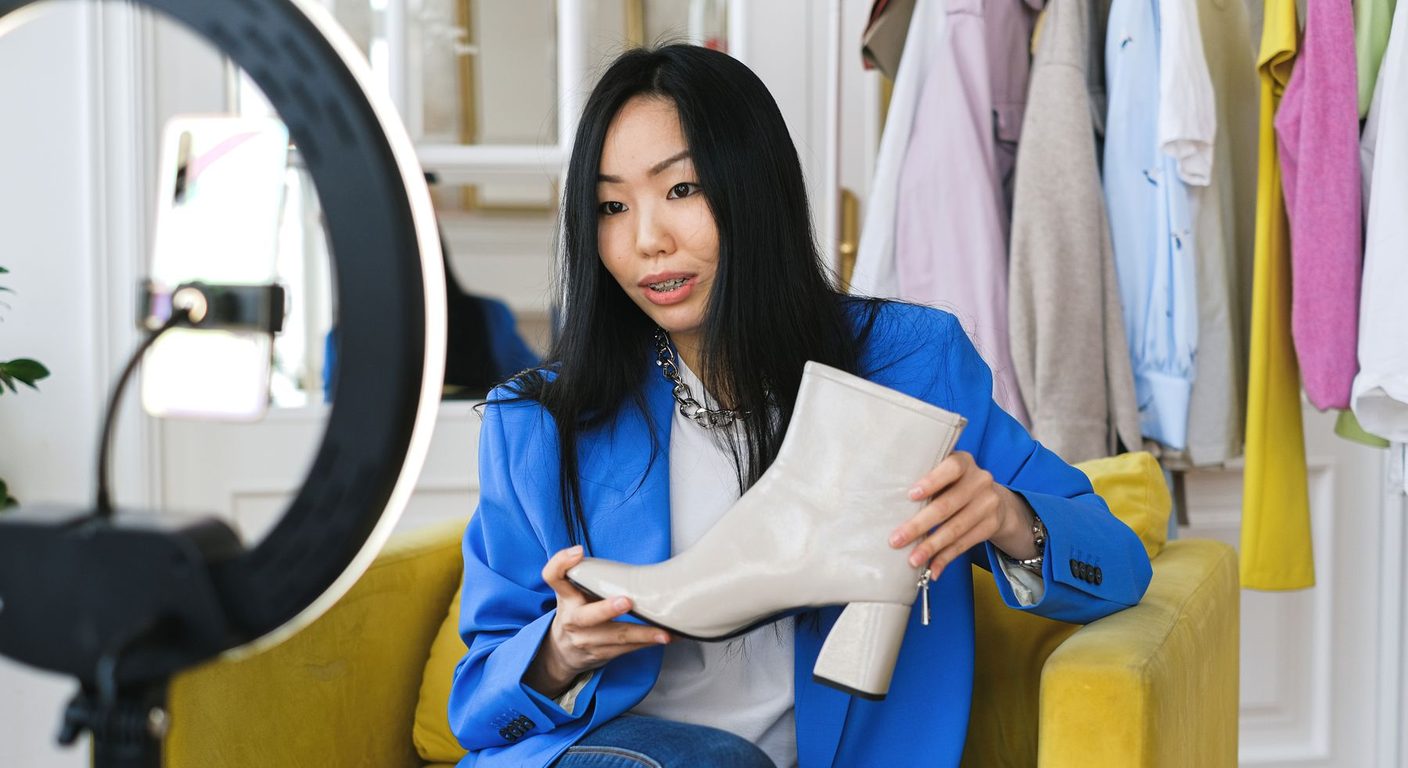
How to sell in a live stream: a guide for new sellers
Getting ready for your first stream, the order to show products in and answering chat questions: a practical guide to turning a stream into sales.
