


Impulse buying on live streams: 5 rules to avoid unneeded purchases
It is easy to buy things you don't need when a live stream gets exciting. Five simple rules that help you protect your budget and buy only what you need.

Live shopping is more engaging than a regular online store: the seller shows the product on camera, answers questions on the spot, and short-term discounts appear during the stream. That atmosphere is exactly what pushes people into quick decisions.
As a result, it becomes easy to buy things you don’t actually need. This is called impulse buying. Below are five rules that help you enjoy live streams while protecting your budget.
1. Set a budget before the stream starts#
Before you tune in, give yourself a clear limit. For example: “Today I will spend no more than 200,000 UZS.”
When a seller shows one good product after another, it is tempting to buy them all. With a budget set in advance, you start filtering on your own: “This is nice, but I’ll keep my money for the main product at the end of the stream.”
2. Don’t trust words that rush you#
A common technique in live selling is creating a sense of urgency. Phrases like “Only 3 left” or “The discount ends in 5 minutes” trigger the fear of missing out, often called FOMO.
At that moment, pause for a minute and ask yourself: “Do I really want this, or am I buying it only because it is cheap and running out?” Good offers will come again. If you like a product, add it to “My likes” and decide calmly after the stream.
3. Separate “need” from “want”#
Before adding a product to your cart, ask yourself three simple questions:
- Do I already have something the same or similar?
- When and where will I use it?
- Would I buy it tomorrow in a shop at its regular price?
If the answers make you hesitate, skip the purchase. In the heat of a stream many things feel essential — that is normal, but a minute of thought saves you from unnecessary spending.

4. Judge the product, not the seller’s mood#
Some sellers and streamers are so engaging that you want to buy something just for their energy. When that happens, shift your attention from the person to the product.
Look at the specifications, material, size and how the item looks in real life. Read the description on the product page too: details that were not mentioned on the stream are often written there. The seller is doing their job; yours is to choose what you actually need.
5. Ask questions#
The biggest advantage of live shopping is being able to talk to the seller directly. The best way to stop an impulse purchase is to type a question in the chat.
If clothing is on screen, ask: “Does the colour fade in the wash?” or “How does it fit?” For electronics: “Is there a warranty, and for how long?” Putting a question into words moves you from emotion to logic and helps you look at the product critically. More on what to ask: questions to ask a seller on a live stream.
In short#
Set a budget in advance, don’t rush, separate “need” from “want”, judge the product and ask questions. These five habits make live-stream shopping both fun and useful. Read about other common slips in online shopping mistakes.
Frequently asked questions#
What is impulse buying?
If the discount on the stream ends, do I lose out?
Can I cancel an order I placed in a hurry?
Shop with a clear head: download the Dona app.
For buyers
See all (15)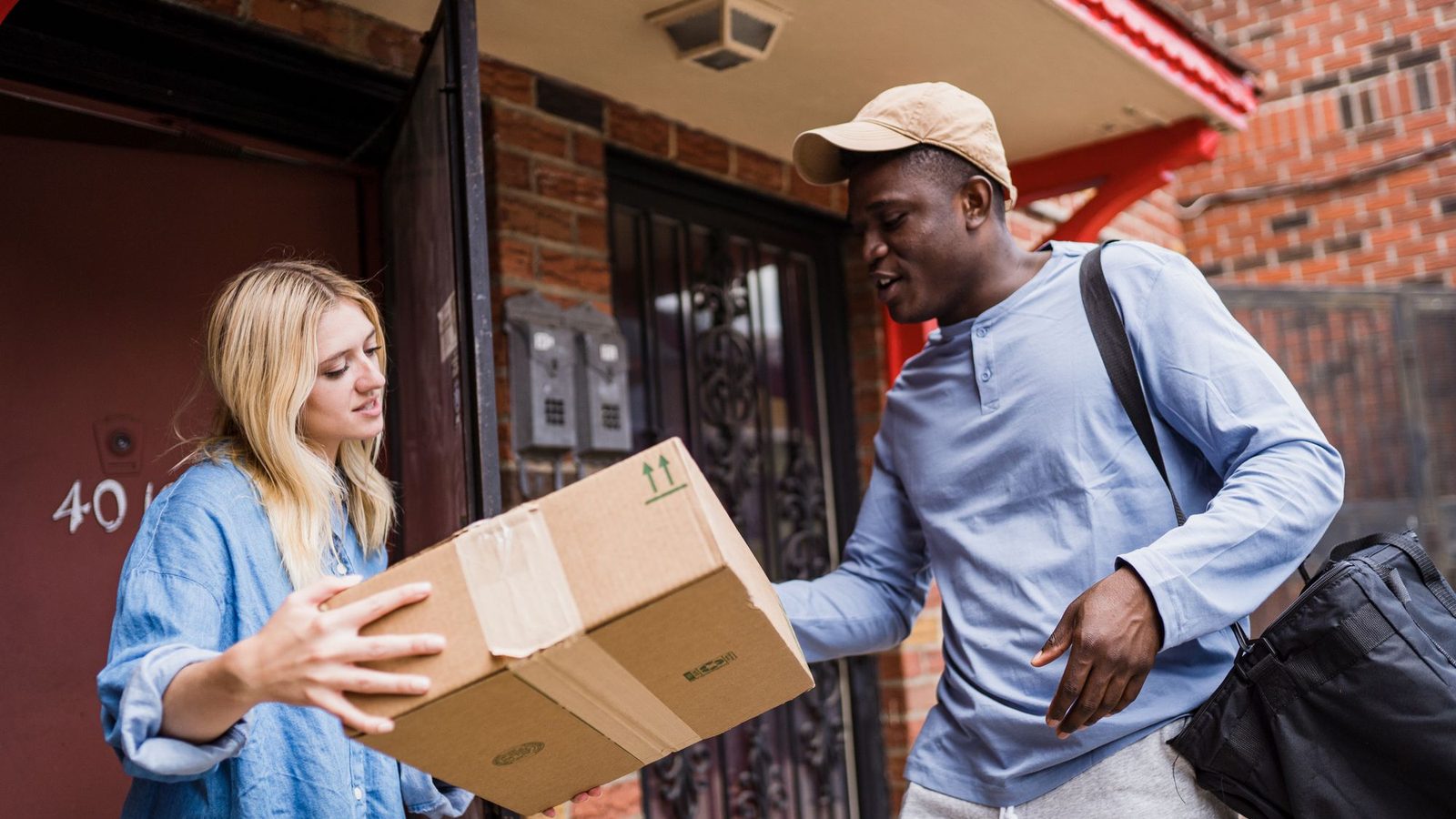
Receiving an order from a courier: what to check
How to check the box and the item when a courier brings your order, what to do if something is wrong, and what happens if you are not at home.

Cash on delivery: how it works on Dona
When cash on delivery is available on Dona, where to see the amount, what to do when the courier arrives, and what happens if you decline the order at the door.

10 questions to ask a seller during a live stream
What to ask a seller in a live stream before you buy: size, colour, material, what is in the box, returns and delivery. A ready list of questions.


