


What kivi are, how to collect them and how to spend them
Kivi is a discount inside Dona. You collect it by playing games during a live stream and spend it against part of the price at checkout.

When you buy on Dona you can cover part of the price with kivi. Kivi is a discount: you collect it by playing games during a live stream, then switch it on in your basket. This article explains where kivi comes from, how it is counted, and when it does not apply.
What kivi is, and what it is not#
Kivi is a unit of discount inside Dona. It is not money: you cannot withdraw it to a card, pass it to another person, or exchange it for cash. Its only job is to make your Dona purchase cheaper.
The app shows the current rate: a given amount of kivi equals a given amount in som. How much discount your balance is worth appears on the “My kivi” screen, so there is nothing to work out by hand.
How you collect kivi#
Kivi is only handed out during a live stream. When a seller goes live, games appear on screen:
- Lucky wheel — you spin the wheel during the stream. Prizes are limited: once they run out, they are gone.
- Gift rain — you catch falling kivi until the round ends.
- Poll — you vote in the seller’s question.
- Watching the stream — stay for a while and you earn a reward at each milestone, once per milestone.
- Sharing — you share the stream link, and when a new viewer opens it, kivi lands on your account.
Every win is credited immediately. The “Earnings history” screen records where each kivi came from.

How to spend it#
A “Pay with kivi” row appears in the basket. Switch it on and part of the price is taken from your kivi, while you pay the rest by card or cash as usual.
There is an important limit: kivi covers only a set share of each product’s price. A whole order cannot be closed with kivi alone. That is why the number in the basket is often smaller than your balance — it shows what this particular basket can use, not the balance itself.
Some baskets say “Kivi cannot be used in this basket” instead. That means the product, or the terms of a promotion on it, do not combine with kivi.
Expiry and returns#
Kivi expires. Shortly before it does, the app sends a reminder naming the date and the amount that will lapse. Collecting kivi for a long time is therefore worth less than spending it on a near-term purchase.
Nothing is lost when you return an item: kivi comes back as kivi and money comes back as money. If an order used kivi and you return one product, the kivi that applied to that product returns to your account, and the rest of the sum goes back to the method you paid with.
Frequently asked questions#
Can I turn kivi into cash?
Why does my basket show less kivi than my balance?
Can I collect kivi after the stream ends?
Read nextHow to shop in a live streamPaying safely online
Join a stream and start collecting: get the Dona app.
How Dona works
See all (10)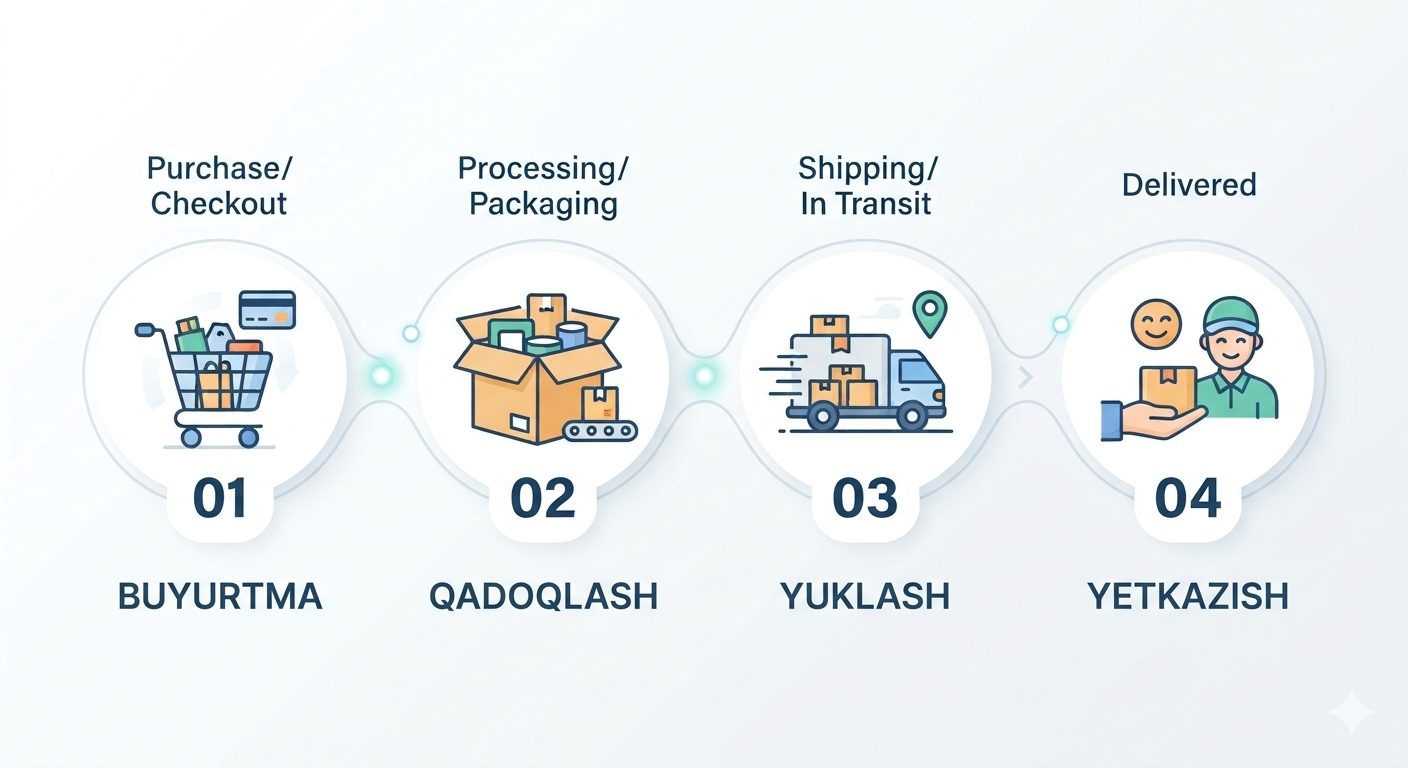
Order status: the four stages and what each one means
Preparing, handed to courier, on the way, delivered. What happens at each stage, when notifications arrive, and why there is no live map tracking.
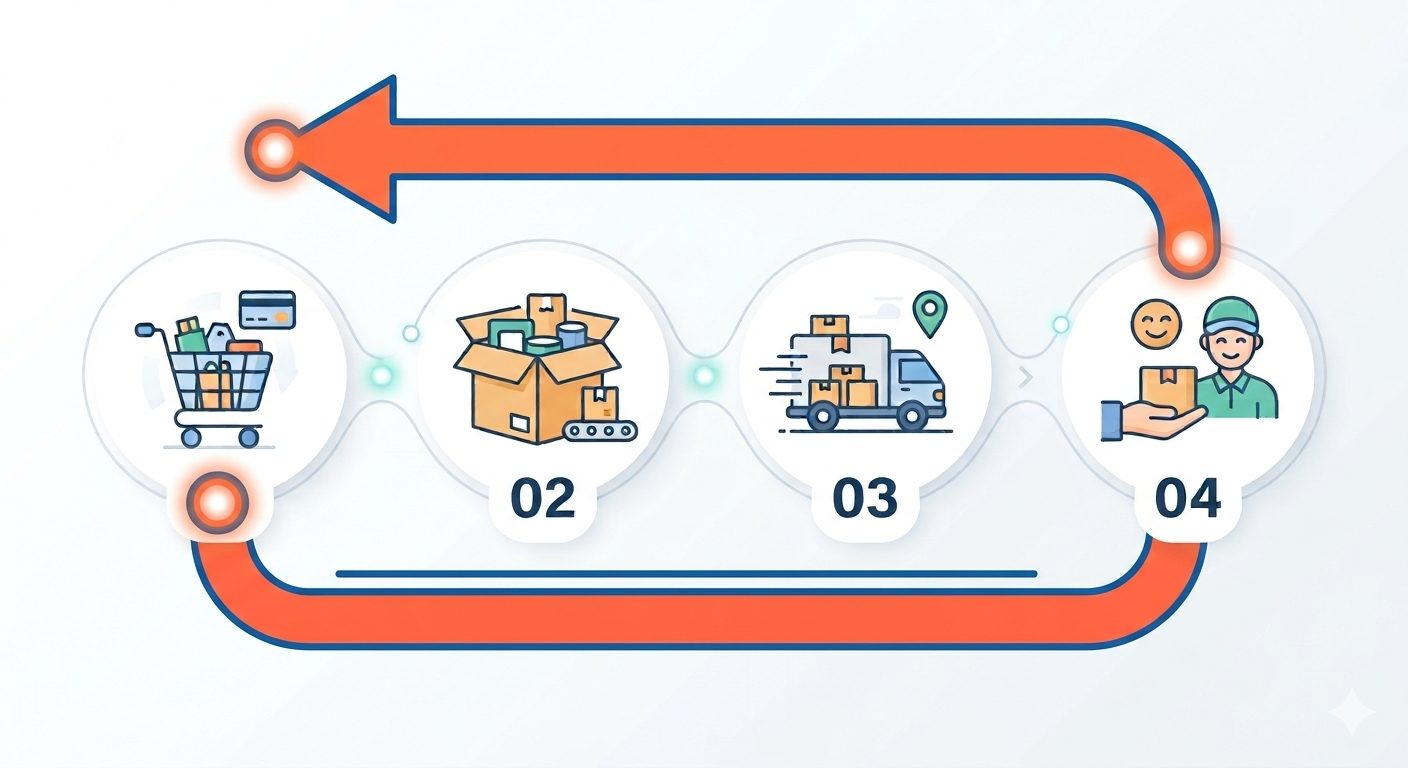
Returning an order and getting your money back
What to do when an item does not match, which method the refund goes back to, and what the timing depends on. A step-by-step guide for buyers.
How to delete your account: the complete guide
How a deletion request is sent, how long the process takes, and what actually happens to your data once the account is closed.


