


How to delete your account: the complete guide
How a deletion request is sent, how long the process takes, and what actually happens to your data once the account is closed.

If you want to stop using the app, a natural question follows: what happens to my data? The answer is not the simple “everything disappears”, and the reason is worth explaining.
How deletion is requested#
The request is sent from inside the app. The account management section holds a deletion request.
It is not a one-tap, instant action. The request is received, checked and carried out. The reason is simple: your account may have open matters attached to it — an unfinished order, a pending refund or a complaint under review.
So it is better to close your open orders before requesting deletion.
Why not everything disappears at once#
This part needs to be stated plainly, because many people misunderstand it.
When an account is deleted, your profile data is removed. But certain records are retained because the law requires it:
- Financial transactions — payment and refund records are kept under accounting and tax requirements
- Order history — as evidence of the contract made with a seller
- Dispute correspondence — where a matter is still under review
This is not Dona’s preference but a legal requirement. Every company must keep financial documents for a set period.
What data is collected#
Knowing this makes the deletion decision clearer. The platform collects what it needs to work: account details, orders, records of payment transactions, and technical data about how the app is used.
One point deserves emphasis: Dona does not store your card details. Payments are processed by licensed providers, and the card number stays on their side. The seller does not see your full card number either.
The full list is set out in the Privacy Policy, which is published openly on the site.
What to do before deleting#
- Close open orders — an order in transit complicates deletion
- Check for a pending refund — it needs to return to your card
- Look at your wallet balance — in-app coins and vouchers are tied to the account
- Save anything you need — order numbers, screenshots of receipts
The fourth step is especially important: once the account is deleted, you cannot reach your order history.
If you have a seller account#
The procedure differs slightly for sellers, because you carry obligations towards buyers.
Closing the account is not appropriate until open orders, unfinished deliveries and complaints under review are settled. If a buyer is waiting for goods from you, deleting the account turns into their problem.
So if you want to stop trading, take your listings down first and complete the orders you already have.
Frequently asked questions#
Can a deleted account be restored?
If I remove the app from my phone, does the account go too?
How long is my data kept?
Read nextHow to choose a genuine productShopping safely: Dona, the seller and the buyer
Take a look at the app: download the Dona app.
How Dona works
See all (10)
What kivi are, how to collect them and how to spend them
Kivi is a discount inside Dona. You collect it by playing games during a live stream and spend it against part of the price at checkout.

Reviews and ratings: how to write one and why it matters
On Dona a review sits on the product page and helps other people choose. How to write a useful one, and what a review prize actually is.
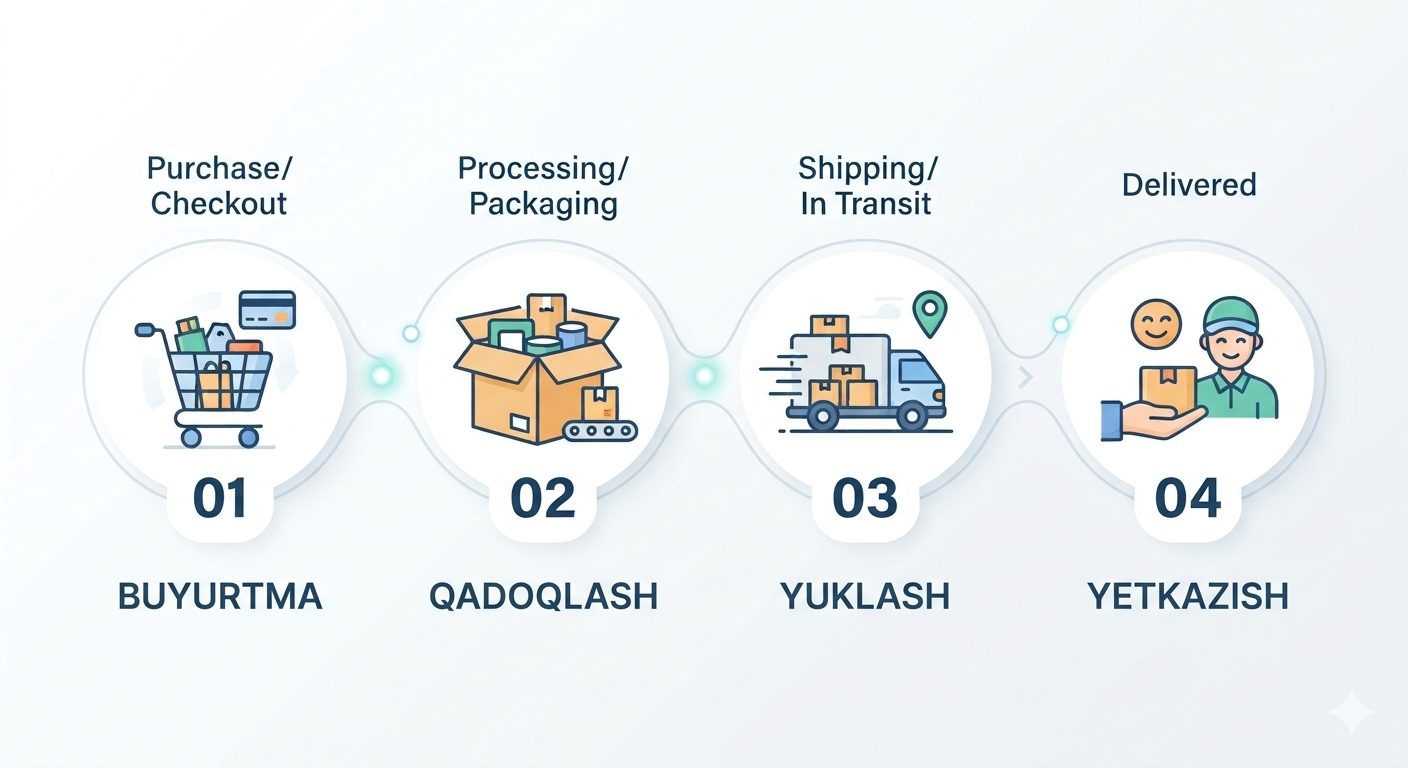
Order status: the four stages and what each one means
Preparing, handed to courier, on the way, delivered. What happens at each stage, when notifications arrive, and why there is no live map tracking.


